Give your notifications a job description
Keep urgent signals visible and move everything else into deliberate check-in times.
Sort by what needs action
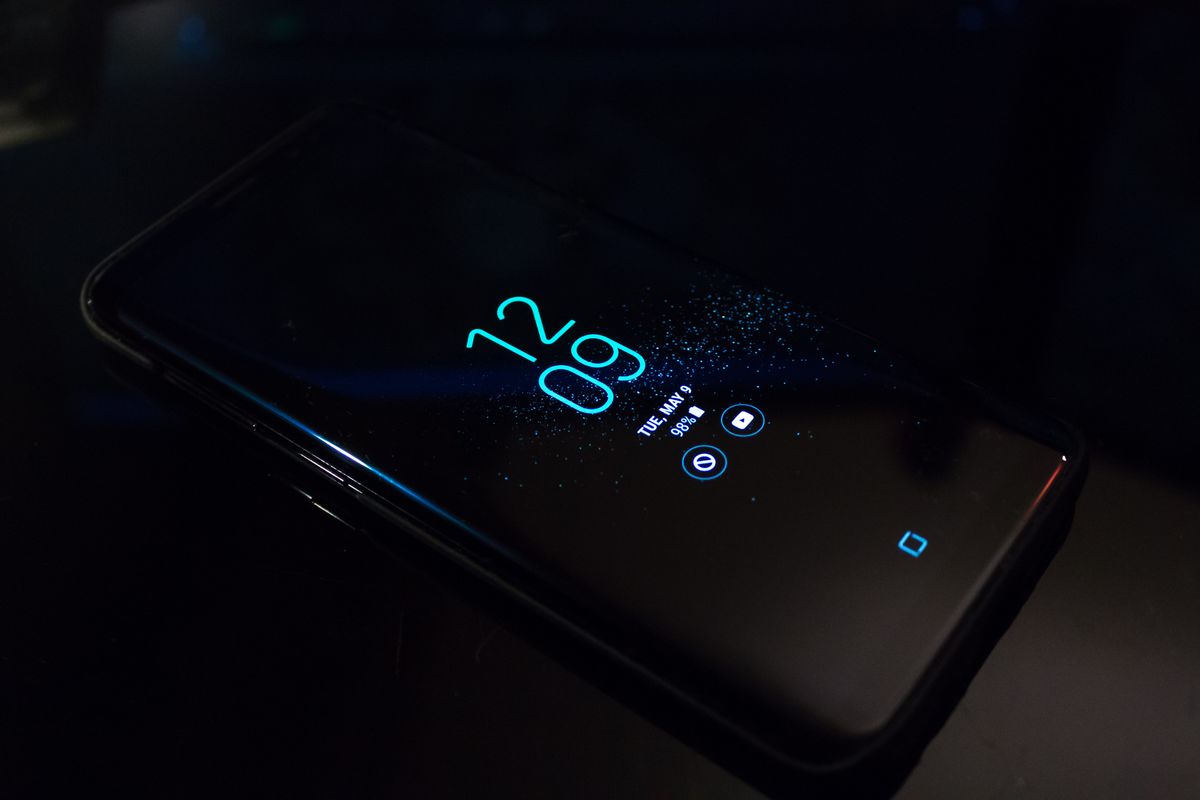
A notification is useful when it arrives at the moment you need to respond. Begin by listing the alerts that interrupted you yesterday. Separate people, appointments, security events, transactions, and promotional suggestions. Decide which require immediate attention and which can wait for your next check-in. This is a practical design exercise, not a demand to disappear from digital life. Mozilla's privacy FAQ illustrates the broader importance of understanding product data and choices. Notification controls are one visible place where you can make those choices serve your own schedule instead of accepting every default invitation.
Protect the essential channels
Keep an agreed route for urgent contact from the people who need you. Check how your device handles calls, repeated calls, selected contacts, and alarm exceptions in focus or quiet modes. Test the settings with somebody you trust before relying on them during work or sleep. Avoid assuming that a calendar reminder or emergency message will override a mode automatically. Document the chosen route for household members or coworkers. A quiet setup works better when others understand how to reach you and when you know which important signals remain available.
Remove invitations disguised as updates
Review app-level and browser-site permissions for promotions, recommendations, streak reminders, and suggested content. Disable categories that do not help you complete a task. Some applications separate transaction alerts from marketing, while others provide coarse controls. Start with the options available inside the app, then inspect the device's notification settings. Revoke website notification permission from sites you no longer recognize. If a service makes essential alerts inseparable from constant promotion, consider whether another service or a different checking routine would meet your need with less interruption.
Create check-in windows
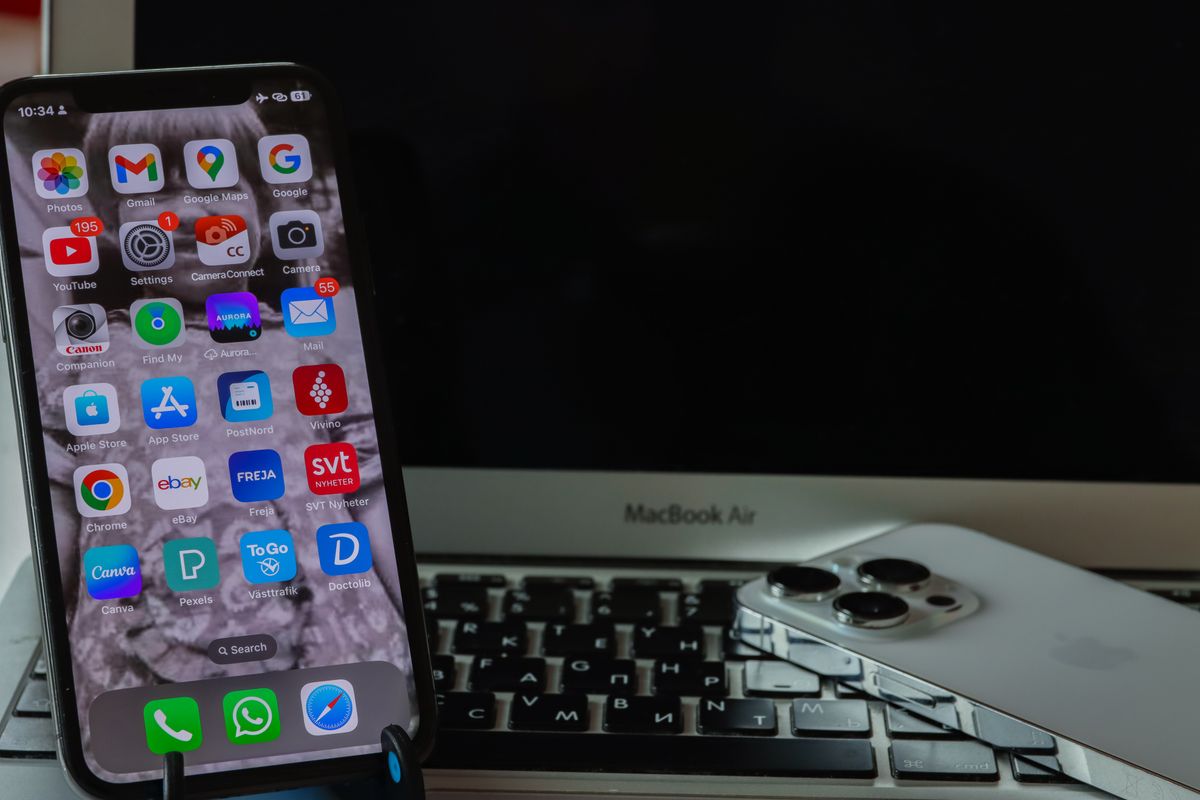
Choose two or three times that suit the rhythm of your day for nonurgent messages and feeds. Make the first experiment short, perhaps three working days, so you can adjust without turning it into a lifestyle pledge. If your job requires rapid responses, apply the experiment only to personal entertainment or shopping alerts. Move distracting badges off the home screen if they continue to pull attention between checks. Record whether you miss important information or merely feel an impulse to look. That distinction tells you which settings need repair and which habits are simply becoming more visible.
Review the effect on your day
At the end of the trial, compare interruptions, missed tasks, and the ease of contacting people. Keep settings that produce a clear benefit and revise those that create friction. Recheck notification permissions after installing a new app or enabling a new browser feature. A notification should have a stated purpose: remind me, inform me, or ask me to act. If you cannot identify the purpose, it probably belongs in a deliberate visit to the service. The result should be a communication system that remains responsive while leaving longer stretches of attention available for work, reading, conversation, and rest.
Sources & further reading
Source links support the factual context. Practical examples and suggested workflows are original editorial guidance. Sources checked October 5, 2026.
Spotted something we should correct? Send a correction. Read our editorial policy.